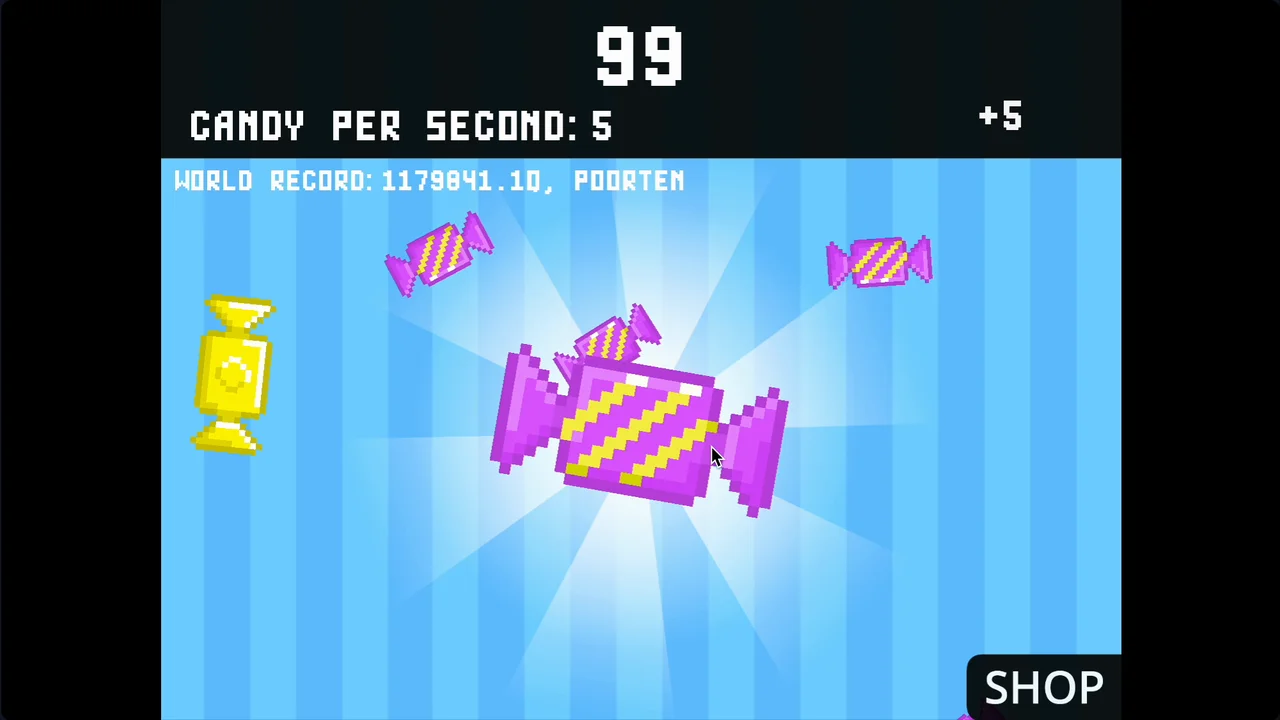
One tap is all it takes to get hooked — Candy Clicker turns a single click into a surprisingly strategic idle empire built entirely of sweets. The golden candy mechanic alone is enough to keep your eyes glued to the screen long after your automation is doing the heavy lifting.
Game Overview

Candy Clicker is a browser-based idle clicker created on Scratch by indie developer Coltroc. The premise is immediate: click the giant candy at the center of the screen to collect sweets, spend them on shop upgrades, and watch your output scale from a few clicks per second to billions generated automatically.

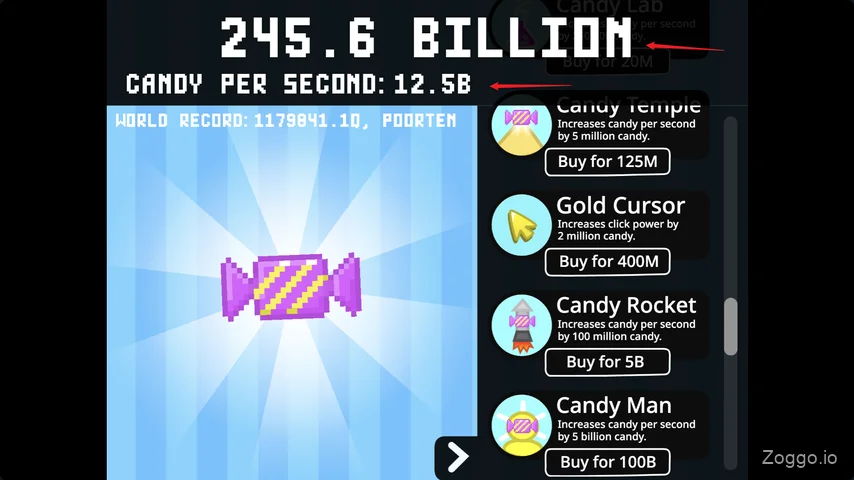
The loop evolves quickly. Early on, every manual click counts and your first automation purchase feels like a genuine milestone. From there, Candy Farms and Candy Mines build passive income, and your role shifts from tapper to planner — deciding which upgrade to fund next. By the time Candy Temples and Candy Rockets come into range, the numbers climb fast enough that a single well-timed golden candy bonus can push you across a threshold you'd been grinding toward for several minutes.
Reaching full automation and unlocking every upgrade takes around 25 minutes, making Candy Clicker one of the few idle games with a real finish line you can actually hit in a single sitting.
Control & How to Play
No keyboard needed. Candy Clicker runs entirely on mouse clicks or touchscreen taps:
- Collect Candy — Click or tap the large candy in the center of the screen
- Buy Upgrades — Click or tap items in the Shop panel on the right side
- Catch Golden Candy — Click or tap the shimmering golden candy whenever it floats across the screen
What Makes Candy Clicker Fun 🍬
The golden candy solves idle gaming's biggest flaw. A glowing candy periodically drifts across the screen, and clicking it delivers a massive one-time bonus that scales with your current count — reportedly capped around 4 Trillion — often enough to fund the very next upgrade in a single click. Most clicker games eventually become a watching-paint-dry waiting game once automations are set. Candy Clicker actively fights that by giving you something meaningful to do at any moment: missing a golden candy is a real setback, catching one is a genuine rush.
The shop rewards thinking, not just spending. Each upgrade has a distinct cost-per-CPS ratio, so there's almost always a smarter purchase available — especially mid-game when your budget could go in several directions at once. That small optimization layer gives the experience a strategic edge that keeps it from feeling like pure autopilot.
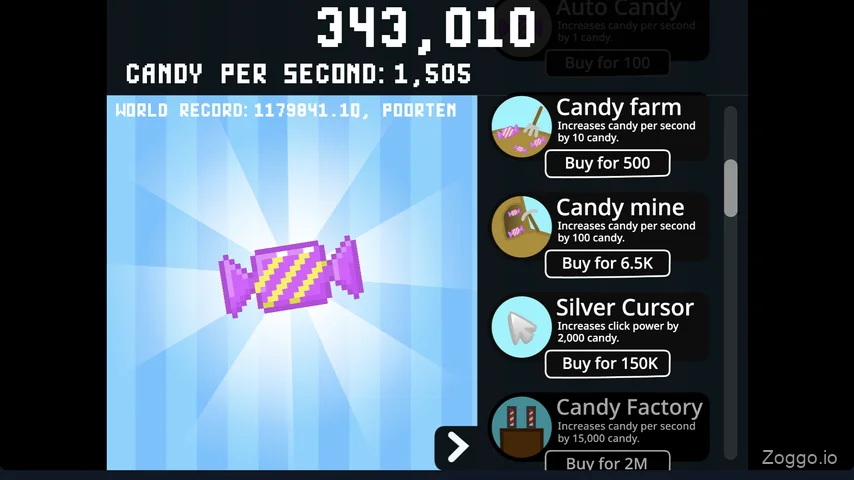
It's genuinely completable. Unlike open-ended idle games designed to run for months, Candy Clicker has a clear endpoint. Crossing that finish line — unlocking every upgrade in one uninterrupted session — delivers a satisfying sense of completion that most games in this genre never offer.
Tips & Strategy
Calculate before you buy. Since upgrade prices don't increase with each purchase (buying five Candy Farms costs exactly the same per unit each time), you can optimize purely by cost-per-second ratio. Based on hands-on playtesting across the full upgrade tree:
| Upgrade | Cost | CPS | Cost / CPS |
|---|---|---|---|
| Candy Man | 100B | 5B/s | 20 ✅ Best |
| Candy Temple | 125M | 5M/s | 25 ✅ |
| Candy Farm | 500 | 10/s | 50 |
| Candy Rocket | 5B | 100M/s | 50 |
| Candy Mine | 6.5K | 100/s | 65 |
| Candy Lab | 20M | 250K/s | 80 |
| Auto Candy | 100 | 1/s | 100 |
| Candy Factory | 2M | 15K/s | 133 ⚠️ Worst |
Stack Candy Man and Candy Temple whenever your balance allows. Candy Factory looks powerful but is the least efficient upgrade in the entire shop — don't over-invest in it. In the early game, Candy Farm is your best value while the higher tiers are out of reach.
Never let a golden candy escape. The bonus can single-handedly bridge the gap to your next upgrade. Keep the tab visible rather than minimized — the payoff for staying attentive is real.
Start automating as early as possible. Your first Cursor or Auto Candy purchase should happen the moment you can afford it. Even one passive candy per second compounds significantly across a 25-minute run.
Commit to the session. The original Candy Clicker has no save system. Closing or refreshing the tab resets everything. Set aside an uninterrupted 20–30 minutes before you start.
Candy Clicker vs. Candy Clicker 2
The original is a self-contained sprint: play it, complete it, done. The sequel, Candy Clicker 2, builds on the same core loop with several added systems for players who want more depth:
- Gold Bar System — Fill a progress bar by clicking to trigger a burst of golden candy rain
- Sugar Cubes — A secondary currency earned during level-ups, spent in a separate Sugar Shop on permanent upgrades
- Rebirth / Prestige — Reset your run in exchange for a permanent 2× production multiplier on all future playthroughs
- Custom Skins — Cosmetic themes to personalize the game interface
If the original's 25-minute loop leaves you wanting more layers, Candy Clicker 2 is the natural next step.
FAQ
Is Candy Clicker free to play?
Yes — completely free, runs in any web browser, no account or download required.
Does Candy Clicker save progress?
The original version does not save between sessions. Closing or refreshing the tab resets your run from the start. Candy Clicker 2 supports progress saving and adds a full prestige system for longer-term play.
Can I play Candy Clicker on a school or work Chromebook?
Yes. It runs on managed networks and low-spec devices without requiring plugins or additional software.
How is Candy Clicker different from Cookie Clicker?
Candy Clicker is built to be completed in a single sitting of roughly 20–30 minutes with no offline progress or long-term meta-systems. Cookie Clicker is designed for months of continuous play. Both are clicker games, but they serve very different time commitments.
Is Candy Clicker appropriate for kids?
Yes. Bright candy-themed visuals, no in-app purchases, and no mature content make it suitable for players of all ages.