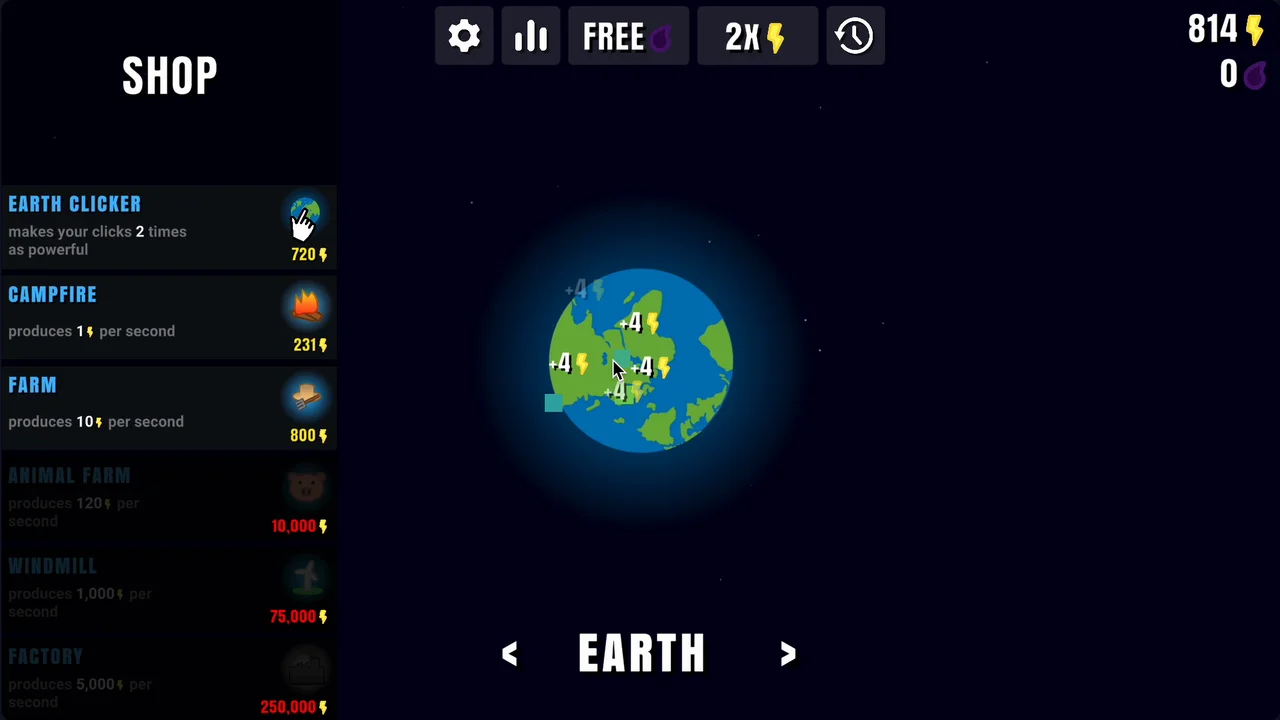
Harness the power of the cosmos in Planet Clicker 2, a space-themed incremental game where you generate energy, automate production across the solar system, and expand your celestial empire.
Game Overview
Planet Clicker 2 is the polished sequel to the original idle clicker hit, developed by Coltroc and Troider. The core gameplay loop remains simple yet satisfying: click to generate energy, reinvest that energy into automated generators, and scale up your production to unlock new planets.

Unlike many incremental games that clutter the interface, this sequel features a fully expanded storefront where you can buy items directly without navigating extra menus. Your journey begins on Earth with manual clicks and simple campfires, but it quickly evolves into managing a multi-planetary network of automated energy plants, balancing immediate upgrades with the patient accumulation of wealth.
Control & How to Play
- Left-Click / Tap: Interact with the central planet to manually generate energy, or click shop items to purchase upgrades.
- Arrow Buttons: Navigate between your unlocked planets at the bottom of the screen.
- Settings & Stats: Monitor your real-time production metrics, toggle experimental features, or enter promotional codes.
What Makes Planet Clicker 2 Fun
Planet Clicker 2 improves on its predecessor by expanding the scale of exploration and adding distinct layers of planetary technology.

Vast Planetary Exploration: Progression is not linear in just one direction. You can navigate left or right from Earth to explore different wings of the solar system. While navigation is non-looping—meaning you must turn back when you reach the edge planets—the visual variety and unique atmosphere of each celestial body keep the journey engaging.

Planet-Specific Upgrade Trees: Each planet features distinct technologies suited to its theme. For example, the Sun features high-tech installations like Thermal Reactors, Atomic Circuitry, and Dyson Spheres, which dramatically boost your passive generation.
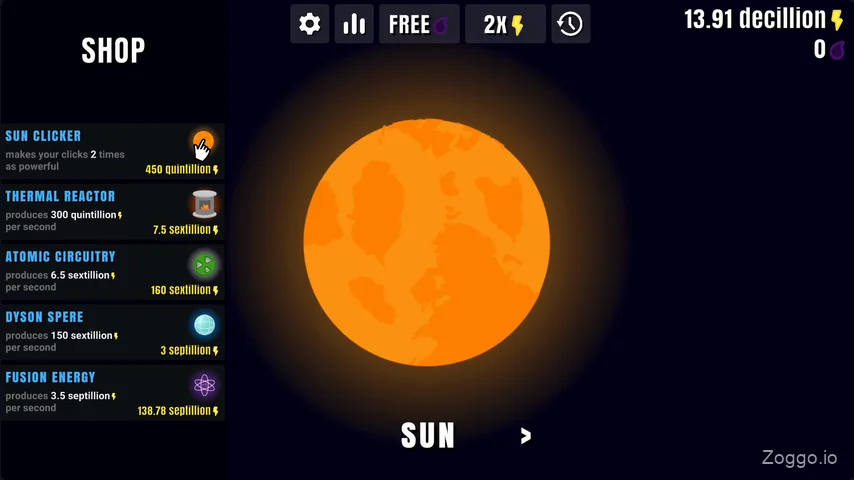
Strategic Rebirth System: Once progression slows down at the outer edges of the galaxy, players can trigger a Rebirth. Trading in your massive energy stores resets your infrastructure in exchange for permanent production bonuses that accelerate your next run.
Tips & Strategy
- Optimize Click Upgrades Early: Manual click values are universal across all planets (e.g., clicking on Mars yields the same energy per click as clicking on Earth). However, double-click upgrades on Earth are significantly cheaper than those on later planets. Maximize your manual clicking upgrades on Earth first before relying heavily on later worlds.
- Balance Generator Quantity and Cost: Every time you purchase a generator, its price increases while its energy generation per second (EPS) remains the same. To maintain efficiency, aim to purchase roughly 5 of each generator type before saving up for the next, more advanced upgrade. Because the game does not display the exact quantity owned for each item, you will need to keep a rough mental estimate.
- Evaluate ROI vs. Wait Time: More expensive upgrades generally offer a better energy-to-cost ratio, but saving up for them requires patience. Combine early automated tools to build a baseline passive income before idling for high-tier upgrades.
- Target the Rebirth Threshold: The rebirth option unlocks at 1 Decillion energy. Avoid resetting too early; instead, wait until you have established solid passive generation on high-yield planets like Neptune or the Sun to hit this milestone efficiently.
Planet Unlock Costs & Progression
To help plan your journey, here is the breakdown of the planets available in the system and the energy required to unlock them:
- Earth: Default starting planet
- Venus (Left Path): 50 Billion
- Mercury (Left Path): 10 Quadrillion
- Sun (Left Path): 69 Sextillion
- Mars (Right Path): 1 Million
- Jupiter (Right Path): 150 Billion
- Saturn (Right Path): 750 Quadrillion
- Uranus (Right Path): 690 Septillion
- Neptune (Right Path): 250 Nonillion
(Note: The Moon and Pluto are also available in the later stages of the game as alternative progression milestones).
FAQ
Q: Does Planet Clicker 2 save my progress automatically?
A: Yes, your progress is saved automatically to your local browser cache, allowing you to close the window and resume playing later on the same device.
Q: Does the game generate energy while offline?
A: The game does not calculate offline progress if the browser tab is completely closed. However, passive automation continues to run if the tab remains open in the background.
Q: Why do click upgrades cost more on Mars than on Earth?
A: This is a balance mechanic in Planet Clicker 2. While manual clicks yield the same energy on all planets, the cost of click multipliers increases on later planets. It is highly recommended to upgrade your clicking power on earlier planets.
Q: How do I redeem promotional codes?
A: Active codes can be entered in the settings menu to trigger temporary events like Meteor Showers or Wormholes.