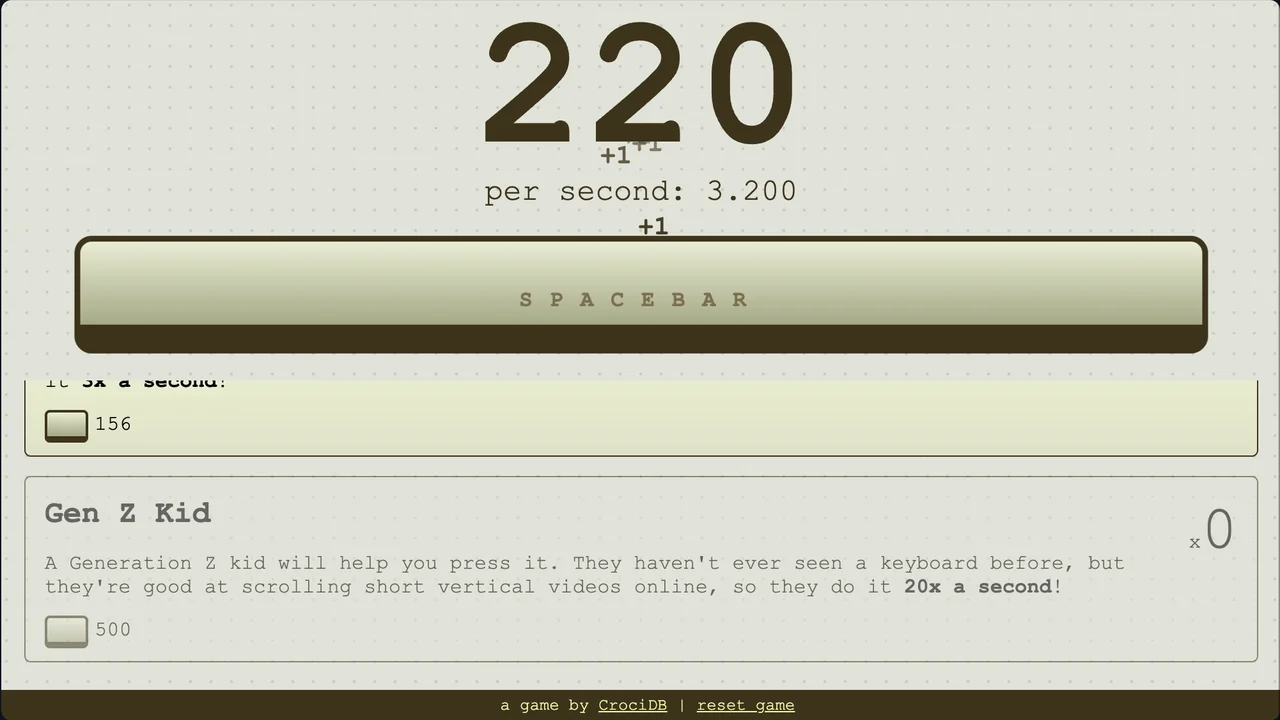
Spacebar Clicker turns one simple action into a surprisingly sticky idle loop: press the spacebar, earn clicks, buy upgrades, and watch the counter grow on its own. It is a very minimal clicker game, but that clean setup makes every new helper feel easy to understand.
Game Overview
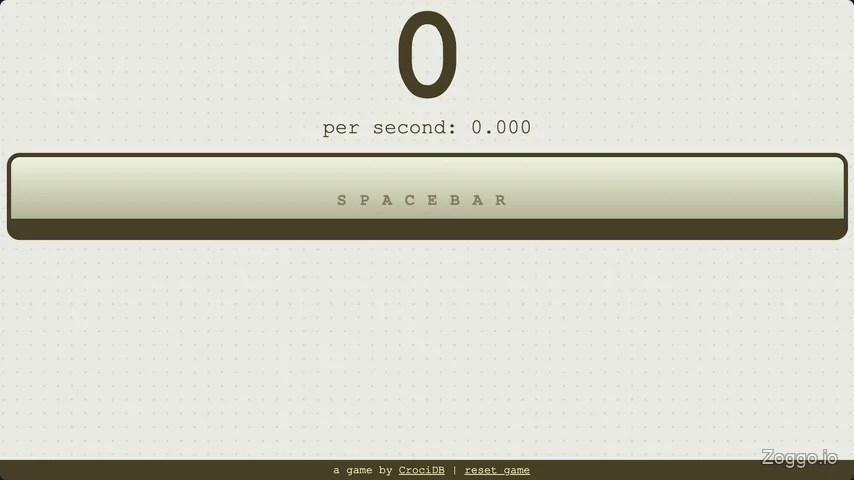

Spacebar Clicker is built around two core actions: manual clicking and upgrade buying. At the start, the screen is almost empty: your score, your clicks-per-second rate, and a large green spacebar button. Press the physical spacebar or click the button to earn points one at a time.
The upgrade shop does not appear all at once. In my playthrough, the first item only appeared after reaching 10 clicks, and each later item unlocked after buying the previous upgrade at least once. That gives Spacebar Clicker a simple but effective sense of progression: you start with nothing, unlock a small helper, then slowly push toward stronger automation.
Control & How to Play
- Press the Spacebar key to earn manual clicks.
- Click or tap the large green on-screen button if you prefer mouse or touch input.
- Spend clicks in the upgrade shop to unlock helpers.
- Watch your clicks per second number to judge how fast your automation is growing.
- Buy at least one of each new upgrade to unlock the next item in the chain.
- Leave the game running to let automatic upgrades generate more clicks over time.
What Makes Spacebar Clicker Fun
Spacebar Clicker works because it keeps the clicker formula extremely focused. There are no complicated side modes, quests, or menus fighting for attention. The whole experience is about turning a single key press into a growing machine.
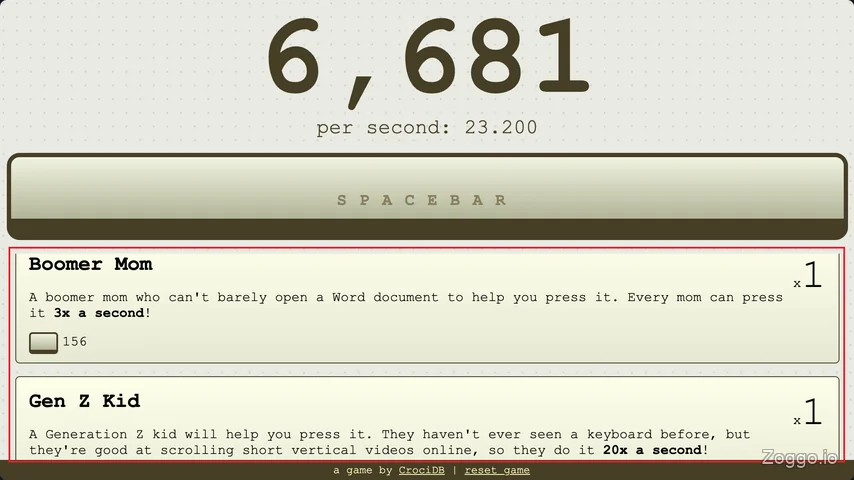

The most satisfying moment comes when automation begins to take over. After buying early helpers like Monkey, Boomer Mom, and Gen Z Kid, the score starts increasing even when you stop pressing the button. Later, the screen becomes much more energetic, with points climbing rapidly and spacebar keys falling across the play area like a visual reward for your growing engine.
The upgrade order also gives Spacebar Clicker its own personality. Many clicker games introduce a manual click multiplier right away, but here the Keyboard Upgrade appears as the fourth upgrade and starts at 6,000 clicks. Since it only doubles manual click value from 1 to 2 at first, it feels less efficient than investing in stronger automatic helpers. That unusual pacing makes the game more about unlocking the next passive generator than simply clicking faster forever.
Tips & Strategy
- Focus on automation early. Boomer Mom and Gen Z Kid are much more important than endless manual clicking.
- Use the upgrade cost divided by clicks per second as a quick value check. In general, later helpers are more efficient than earlier ones.
- Buy the Keyboard Upgrade once to unlock the next item, but do not over-invest in it too early. Its first effect is only a small manual-click boost.
- After the Keyboard Upgrade, repeated purchases become more attractive because later helpers increase in both price and output.
- Keep the game open when possible. Spacebar Clicker saves progress automatically, so you can return later without losing your upgrades.
- Expect the late game to slow down. After around the tenth upgrade, unlocking each new item can take dozens of minutes.
Upgrade Progression and Value
Spacebar Clicker uses a rising-price upgrade system: the more you buy, the more expensive each item becomes. Before the Keyboard Upgrade, helpers keep the same basic clicks-per-second output even as their cost rises. After that point, later upgrades become more powerful as their prices increase, making them better long-term targets.
| Upgrade | Starting Cost | Starting Output |
|---|---|---|
| Monkey | 30 | 0.2 clicks/sec |
| Boomer Mom | 120 | 3 clicks/sec |
| Gen Z Kid | 500 | 20 clicks/sec |
| Keyboard Upgrade | 6,000 | Manual click multiplier |
| Angry Influencer | 10,000 | 150 clicks/sec |
| MOBA Gamer | 200,000 | 600 clicks/sec |
| Homemade Pressing Robot | 800,000 | 3,500 clicks/sec |
| Laser Machine Gun | 2M | 25,000 clicks/sec |
| Nuclear Blast Gun | 10M | 100,000 clicks/sec |
| Alien Tech Key Pressing Machine | 80M | 1,000,000 clicks/sec |
| Planet Catcher | 7T | 10,000,000,000 clicks/sec |
| Black Hole Bomb | 1.7Q | 4,000,000,000,000 clicks/sec |
| Galaxy Guzzler | 50Q | 140,000,000,000,000 clicks/sec |
| Quantum Space Manipulator | 25Qui | 500,000,000,000,000 clicks/sec |
FAQ
What is Spacebar Clicker?
Spacebar Clicker is a free browser idle clicker game where you press the spacebar, earn clicks, buy upgrades, and build automatic click generation.
How do you play Spacebar Clicker?
Press the spacebar or click the green button to earn points. Once upgrades appear, spend your points on helpers that generate clicks automatically.
Does Spacebar Clicker save progress?
Yes. Spacebar Clicker automatically records your current progress in the browser, so closing the tab should not erase your score and upgrades.
What is the best early strategy in Spacebar Clicker?
Prioritize automatic helpers over manual clicking. The Keyboard Upgrade is required for progression, but buying only one early is usually enough to unlock stronger upgrades.
Why is the Keyboard Upgrade not always worth buying?
Its first purchase costs 6,000 clicks and only doubles manual clicking from 1 click to 2 clicks per press. Compared with passive upgrades, that can feel inefficient in the early game.
Can you play Spacebar Clicker on mobile?
Yes. Since the game includes an on-screen button, you can play Spacebar Clicker with taps instead of a physical keyboard.